For operators
Tell the world you are on the air.
Broadcast your operating status to a live feed. Share your band, mode, frequency, and grid square. Other operators can follow you and get notified the moment you key up.
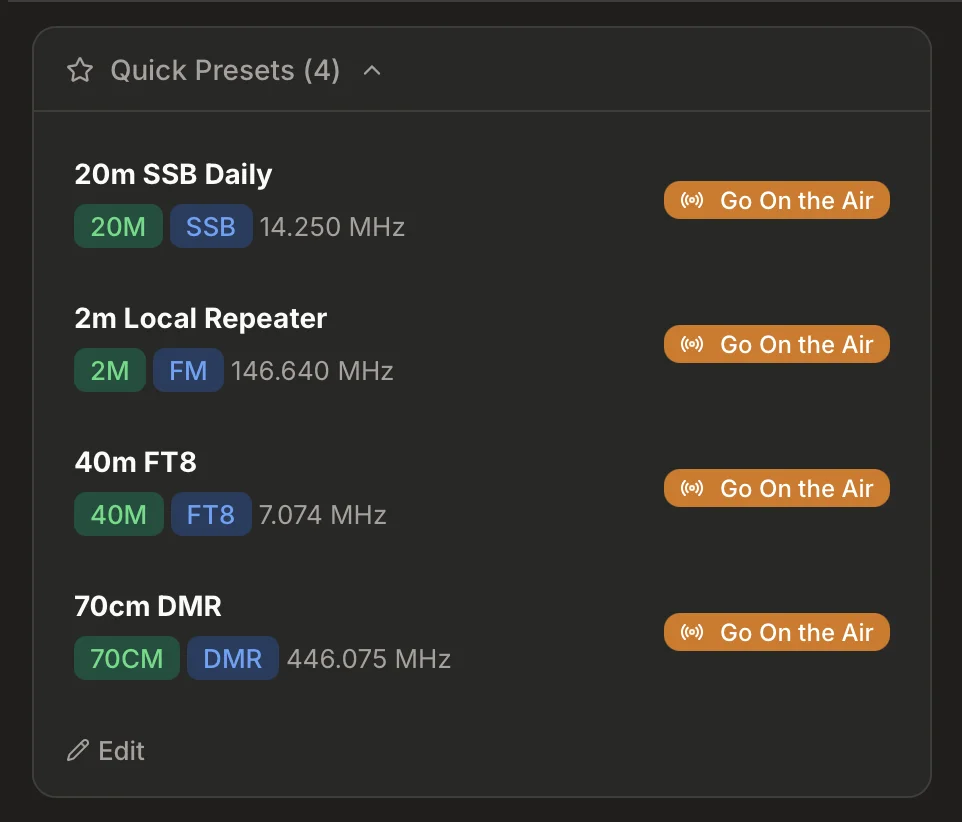
A live feed of who is on the air right now.
See what operators around you are doing right now. Filter by band, mode, or location. Click any session to see the operator's profile, frequency, and notes.
- Real-time feed updates as operators go on and off the air
- Filter by band (HF, VHF, UHF), mode (SSB, CW, FT8, FM), or grid square
- Click through to any operator's full profile
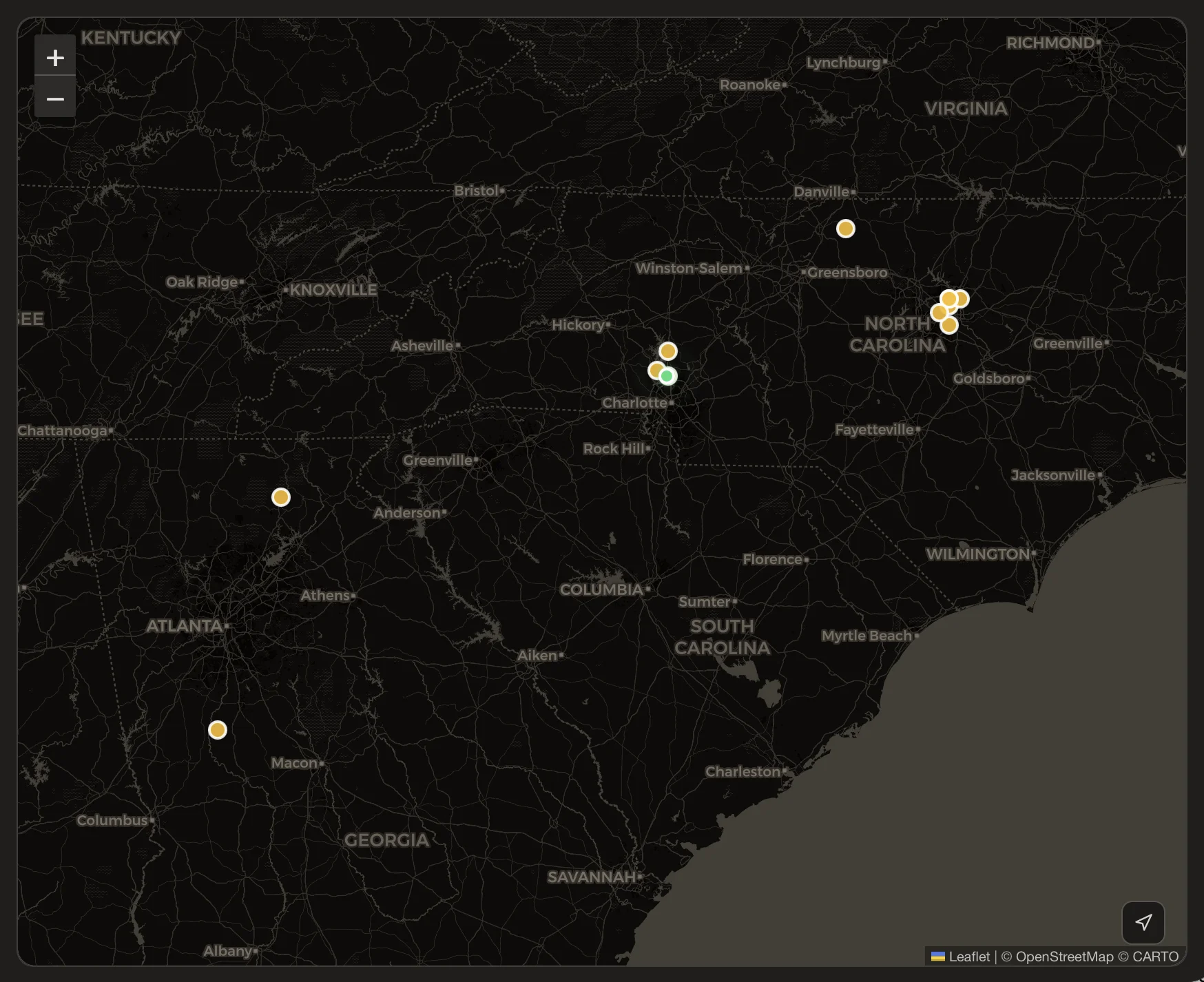
- Map view shows active operators by grid square location
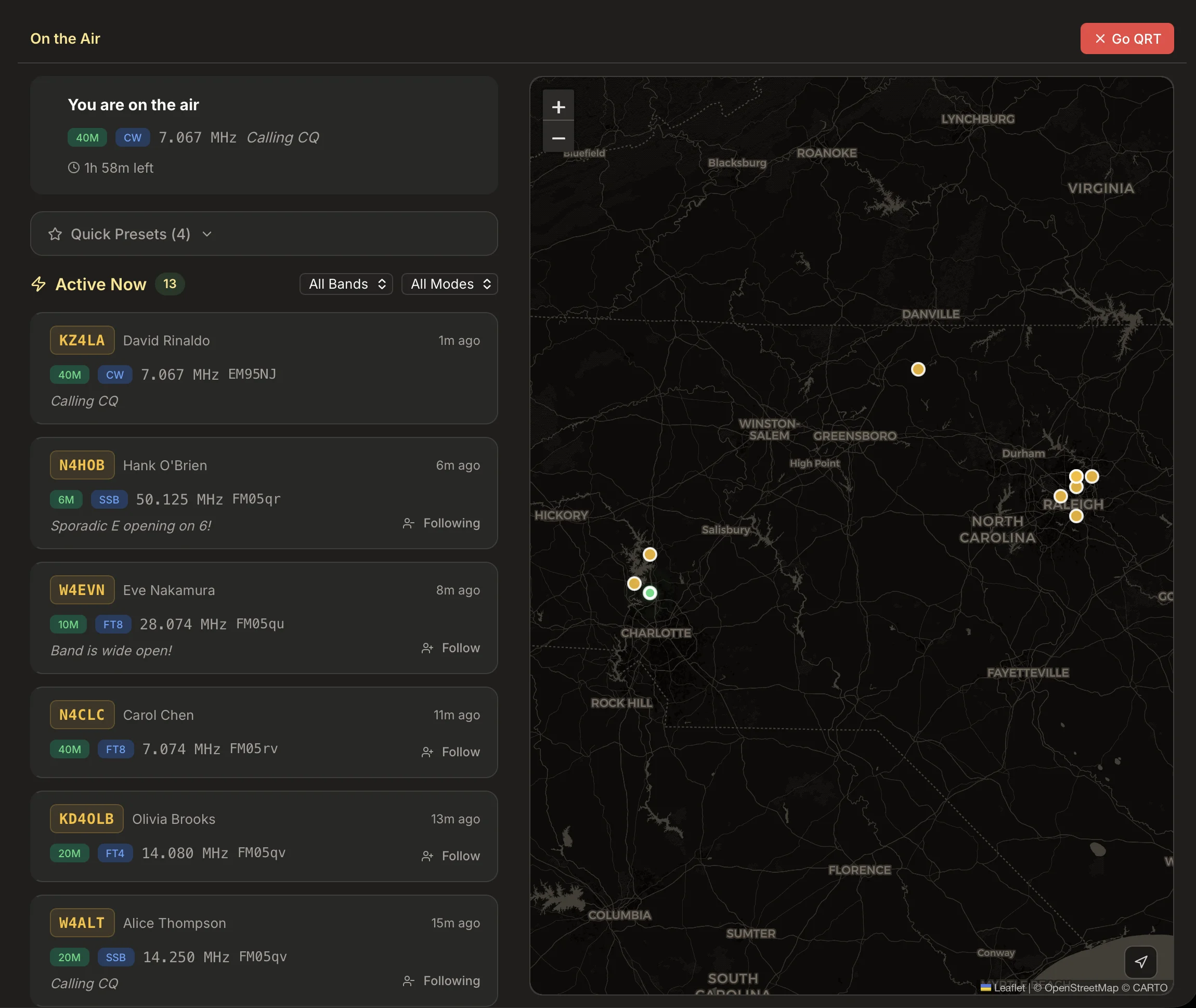
One click and you are on the air.
Set your band, mode, frequency, grid square, and an optional note. Pick a duration and go live. Your session auto-expires so you never forget to sign off.
- Select band, mode, and frequency
- Grid square auto-populated from your profile location
- Add a note: "Working POTA at K-1234" or "Calling CQ on 20m"
- Sessions auto-expire after 30 minutes to 8 hours
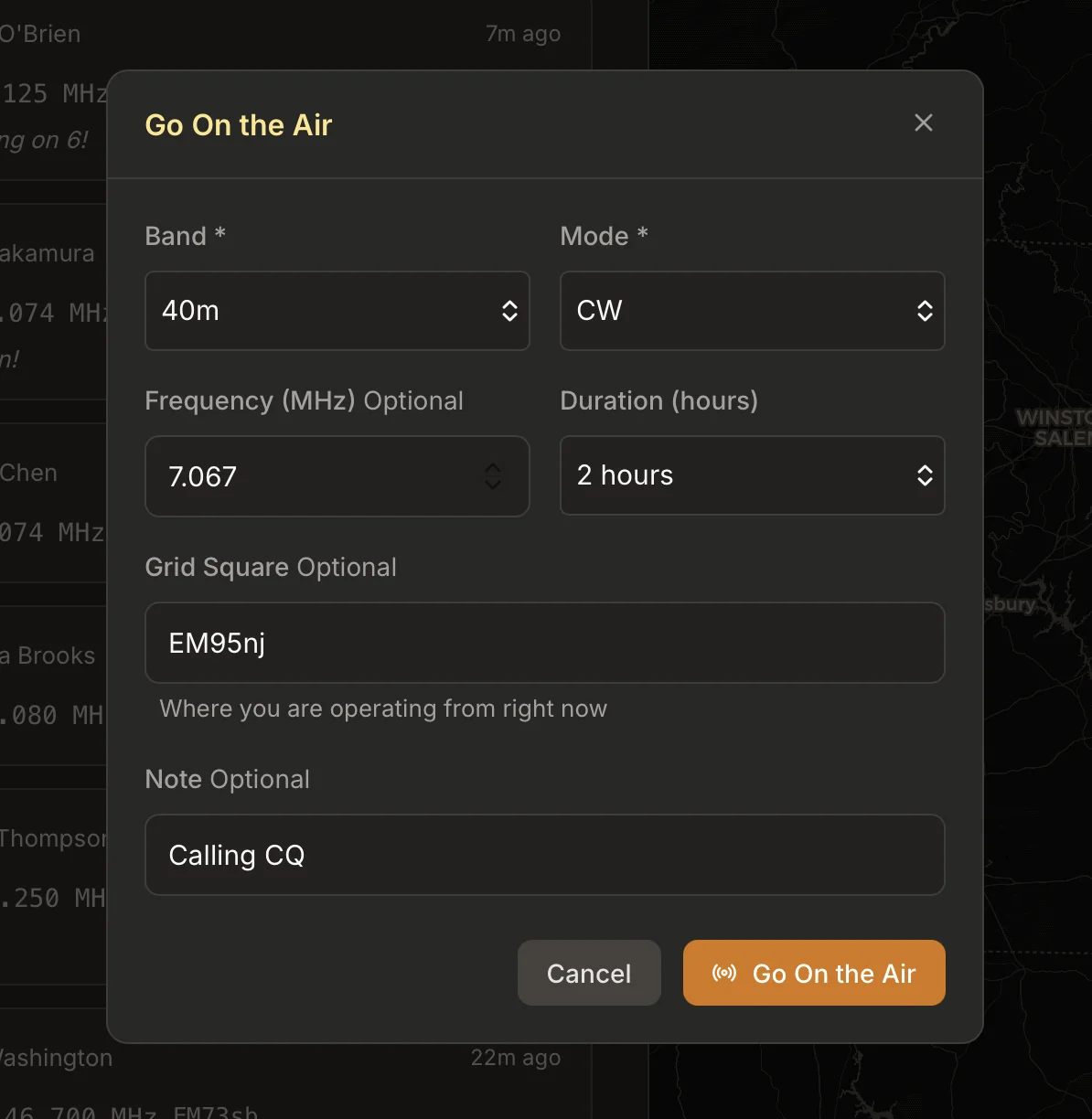
Save presets for your favorite setups.
Operating portable on 2m FM every Saturday morning? Save it as a preset. One click to go live with your usual band, mode, and frequency. No re-entering the same details every time.
- Save up to 10 presets with band, mode, and frequency
- One-click activation from your dashboard
- Edit or delete presets anytime
Follow operators. Get notified.
Follow any operator on Groundwave. When they go on the air, you get a notification. Find out when your friends are active without monitoring a repeater all day.
- Follow any operator with a claimed callsign
- In-app notifications when followed operators go live
- See a personalized feed of operators you follow
Built into your operator profile
On the Air is part of your Groundwave operator profile. No separate account, no third-party service.
Live Status on Your Profile
Your on-the-air status shows on your profile page. Visitors see what you are doing right now, including band, mode, frequency, and your note.
Search and Discover
Search for any operator and see if they are currently on the air. Live status appears right on their profile alongside their FCC data and equipment list.
Activity History
Your past sessions are visible on your profile. Build a record of your operating activity over time, including bands, modes, and session durations.
Free for every ham.
On the Air is available to individual operators at no cost. Claim your callsign and start broadcasting.
Find Your Callsign